Early public releaseFeedback welcome. Expect frequent updates.

thunk*
machine

A visual synth, mixer, and performance instrument

Write JavaScript. Shape sound into visuals.
Change it all live.

Use desktop Google Chrome to run Thunk Machine.

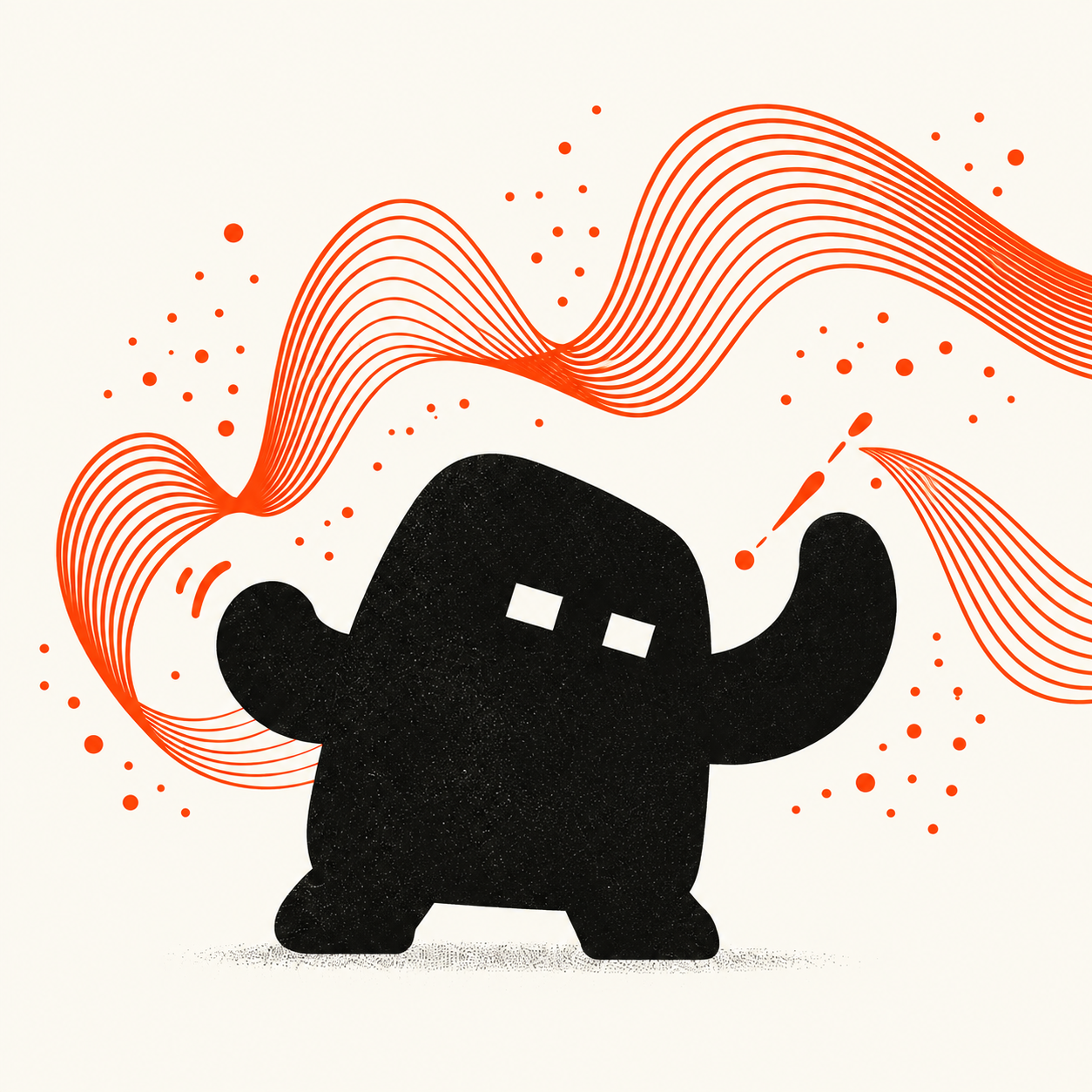
Thunk, a little black character conducting orange waves of sound and motion
Instrument in motion

Daniel P. Friedman describes a thunk as “an expression and an environment.” I think of it as a little computation, waiting for its moment. Thunk Machine is designed around that idea: small pieces of code you can combine, reshape, and bring to life while the performance keeps running. — Eric Freeman

An instrument for
performing with code.

Thunk Machine is a visual synth, mixer, and performance instrument built on JavaScript and p5.js. Generate images, mix visual layers, and perform with code, audio, and live controls.

Build visual sources from drawing systems, simulations, and shaders. Mix them in layered scenes with blends, masks, feedback, and effects. Connect them to audio and MIDI, then revise their behavior while the canvas, clock, and sound analysis keep running. Changes are evaluated deliberately; failed code preserves the last working version.

The composition remains readable source. Functions are values, objects carry state, and nested arrays define rendering groups. From a single drawing to a layered audiovisual set, the program is something you can inspect, reshape, and perform.

  1. 01 Define behavior.
  2. 02 Compose a scene.
  3. 03 Perform live.

From the classroom
to the stage.

Thunk Machine grew out of Audio Pixel Collider at The University of Texas at Austin and its AET350C Advanced Creative Coding class. Its name nods to a programming idea: a thunk wraps a computation in a function so it can be evaluated later.

Thunk Machine uses computer science as a material for creative work. First-class functions let behavior be passed around and combined; closures retain values; composition and nesting build complex visuals from simpler parts; and objects bring state and behavior together. These concepts become tools for shaping visuals and improvising with code.

These ideas draw on the teaching tradition of Daniel P. Friedman and The Little Schemer, the functional programming lineage of Scheme, and the creative coding foundations of Processing and p5.js. They also draw on work emerging from the algorave and creative coding communities, including Hydra and P5LIVE, and on Char Stiles’s Fantasy IDEs research at the MIT Media Lab, which inspired the integration of conversational AI into the Thunk Machine IDE.

Thunk Machine brings those influences into a performance environment where the underlying program stays visible. It is a place to study an idea, develop a visual system, and improvise with it in front of an audience.
Experimental integration

Put the performance
under your hands.

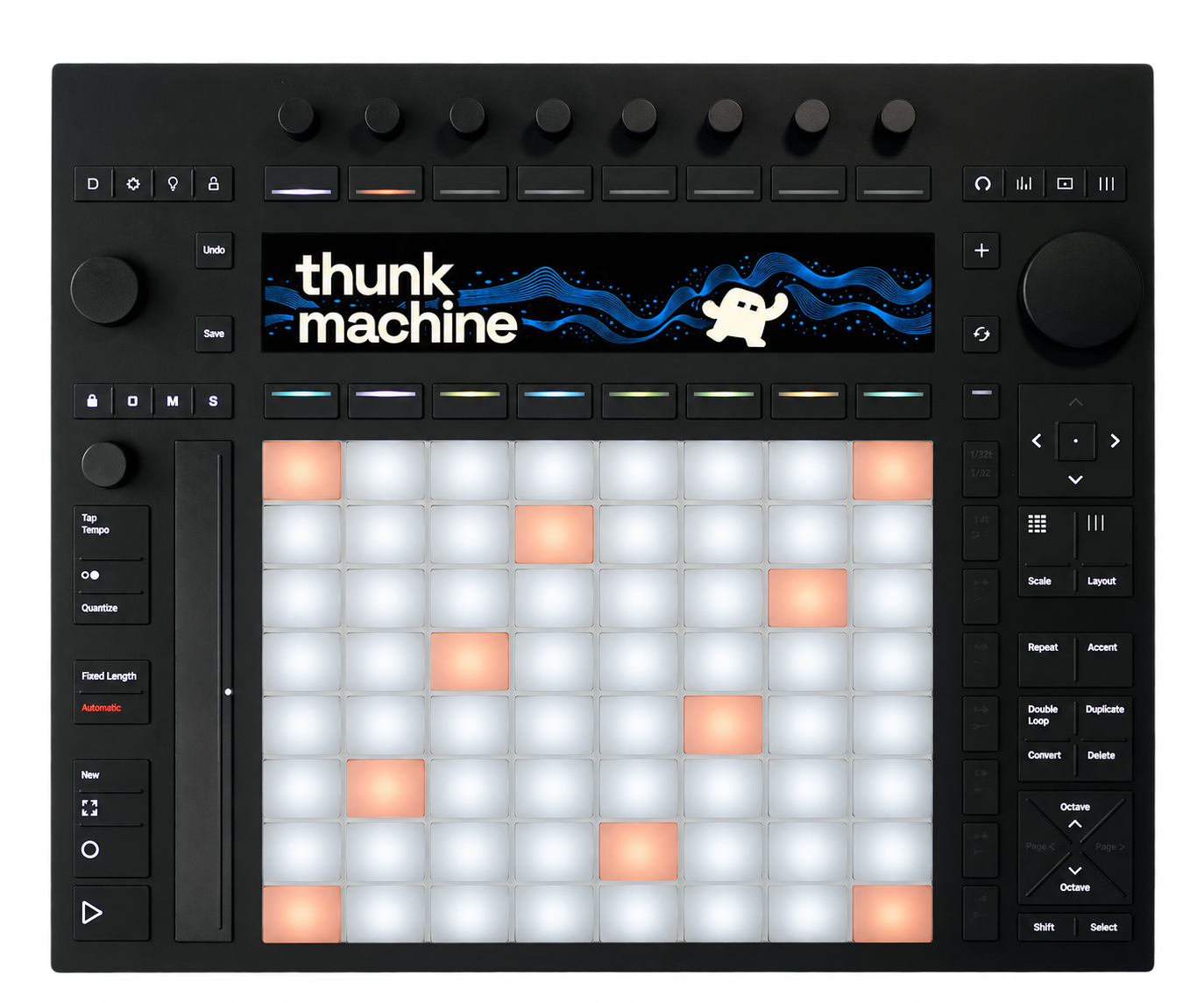
Ableton Push 3 brings a physical surface to Thunk Machine: pads for launching, encoders for shaping, and a display that keeps the performance in view.

Ableton Push 3 controller with the Thunk Machine wordmark and mascot on its display
Display mockup · Source photograph

Push 3 is Ableton’s hardware instrument and controller, with 64 expressive pads, touch-sensitive encoders, and a built-in display. In Thunk Machine, that surface becomes a way to play visual compositions.

Launch
Trigger scenes and clips from the pads. Cue the next composition, cross-dissolve between scenes, or add a timed visual layer.
Shape
Turn the eight encoders to adjust assigned visual controls. Switch effects and work with modulation as the performance runs.
Stay on the beat
Follow Ableton Link’s shared tempo and beat through the optional Mac helper. Keep beat-driven visuals and modulation aligned with your music, and launch scenes on the next beat or measure from Push.
Stay oriented
Keep your attention on the code while your hands shape the performance. Visual controls and modulations are declared in the source, and scenes remain readable arrays of patches. Push gives those definitions a physical interface: encoders adjust assigned controls, pads launch scenes and clips, and the display shows assignments and editing feedback. Pad lights show performance state, so you can follow what is running without leaving the coding flow.

The experimental integration uses Push 3 connected to a computer running Thunk Machine in Chrome, with MIDI and USB permissions. Connect it from Settings → Keyboard & controllers. The instrument runs in the browser; this is a Push 3 controller integration.

Read the Push 3 setup guide

Study the instrument.

Begin with a working composition, then explore the programming model, performance workflow, and ideas behind the instrument.

Coming soon

The practice of live coding.

Forthcoming videos will explore patch construction, visual composition, and live performance. In the meantime, the quickstart and manual provide working examples to study and perform.

Launch the synth